AI Text to 3D Model Generator
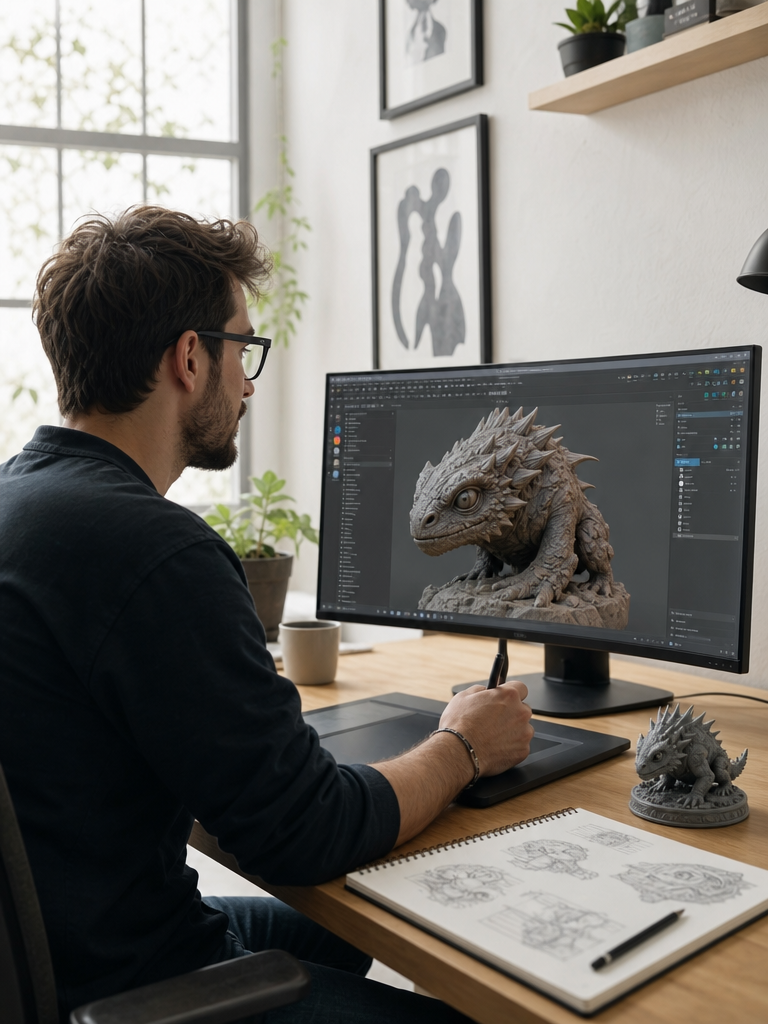
Describe what you want to build and 3DMaker's text to 3D model generator turns your prompt into a textured, game-ready mesh — no sketch, reference photo, or modeling experience required.
From a Written Prompt to a Textured 3D Model
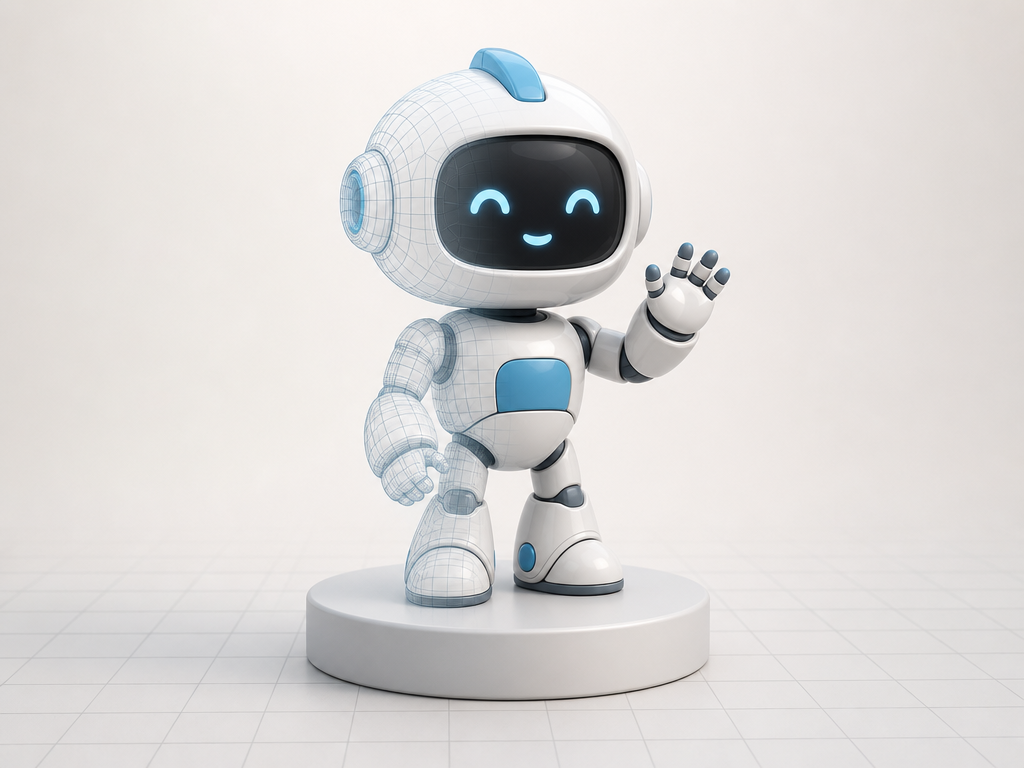
Type what you're imagining and 3DMaker's text to 3D model generator builds the geometry and materials for you — no sketch or reference photo required. The result is a textured, game-ready mesh you can preview and download as GLB in the same session.
Choose How Much Detail Your Mesh Needs
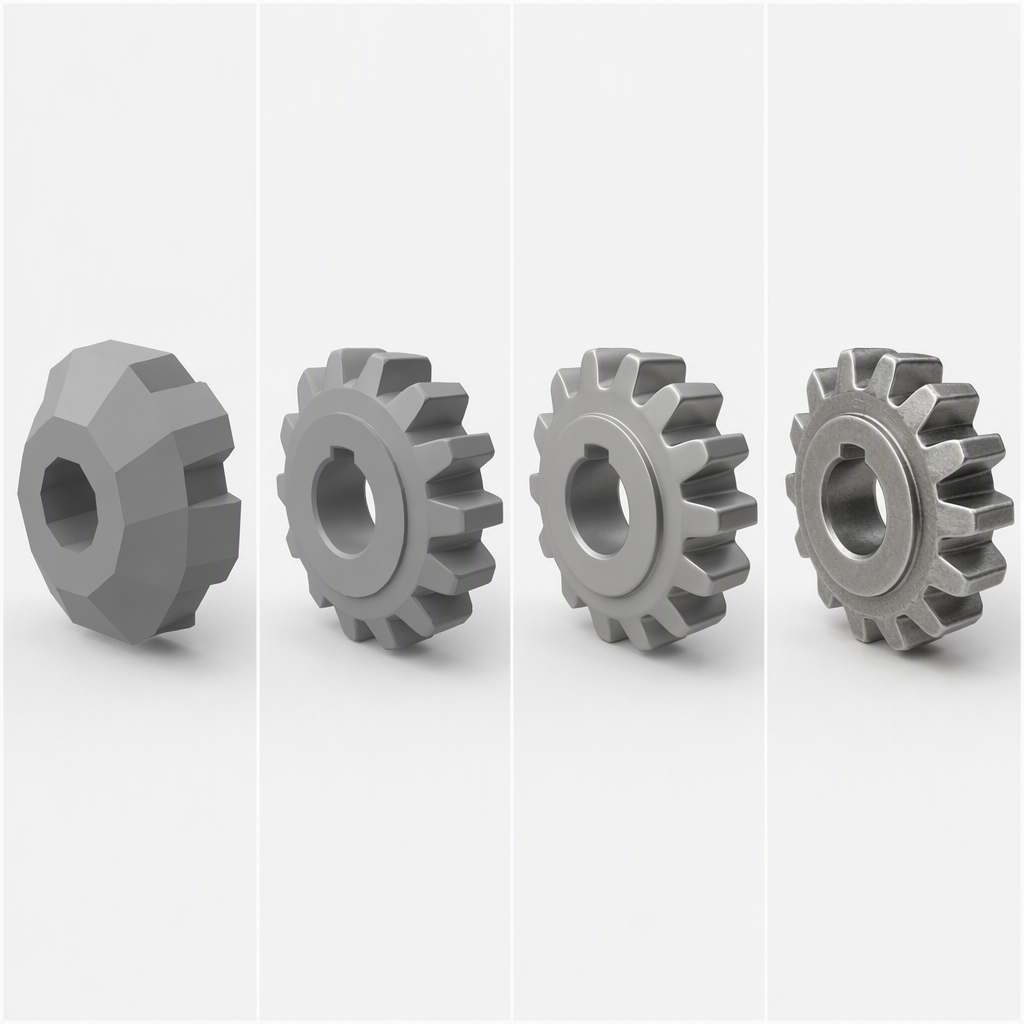
3DMaker's text to 3D generator offers four mesh density levels — Fast, Standard, Pro, and Ultra — so a quick concept and a production-ready asset don't cost the same generation. Switch density any time without changing your prompt.
Textures and Export Are Built In
There's no extra step between your prompt and a usable asset — 3DMaker's AI text to 3D model generator textures the mesh automatically and exports straight to GLB.
Describe Material, Scale, and Style
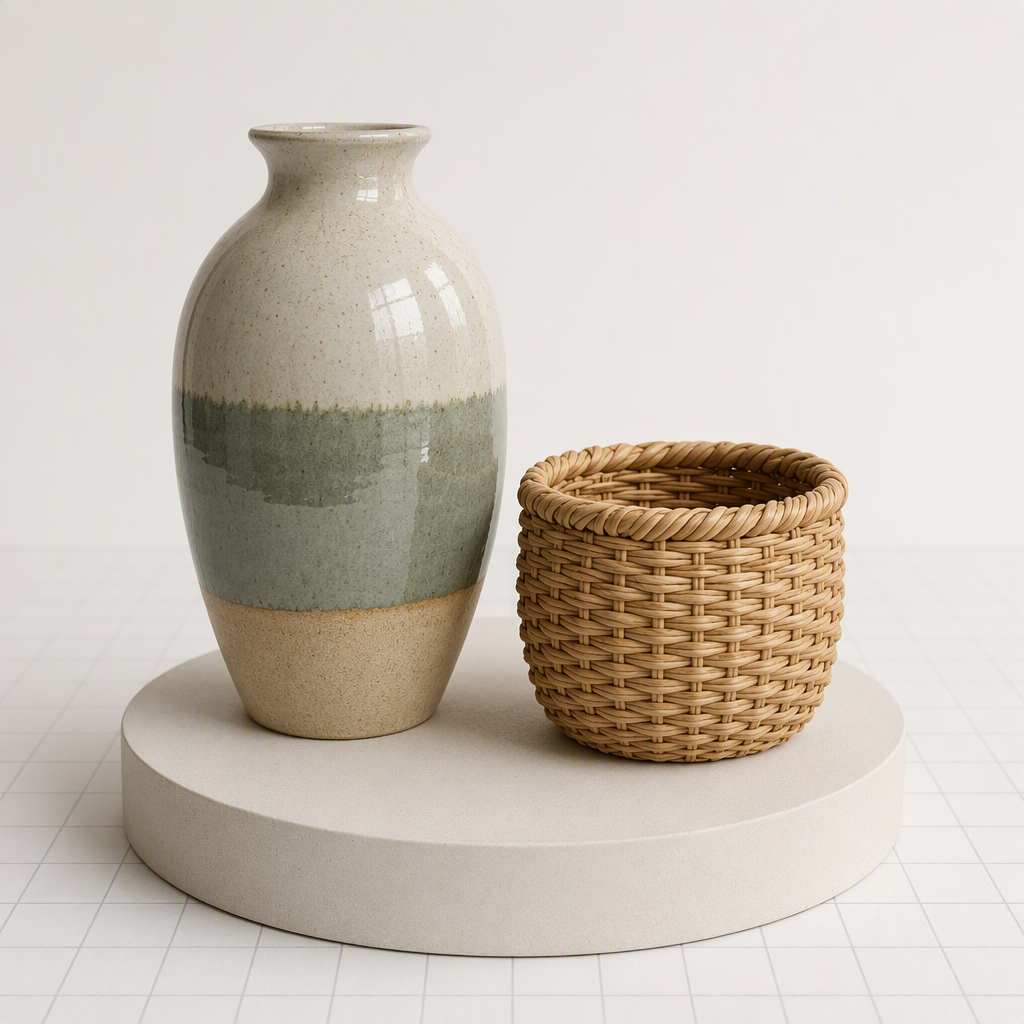
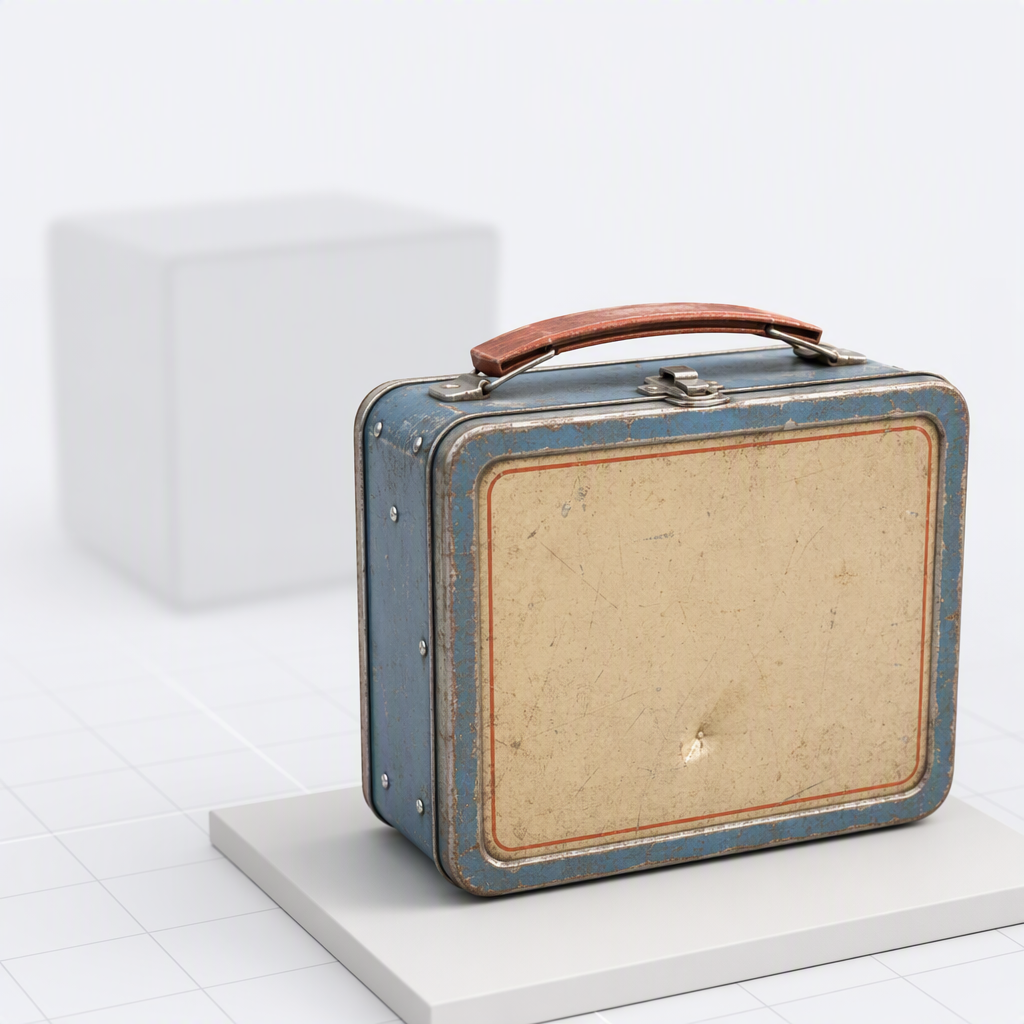
The more specific the prompt, the closer the mesh matches what you pictured — a dented tin lunchbox gives 3DMaker more to work with than a box. Vague nouns leave more up to the AI to guess.
How to Turn Text Into a 3D Model
The same three steps apply whether you're drafting a quick concept or generating a production-ready mesh.
Write your prompt
Describe the object, its materials, and its style in up to 1,024 characters.
Pick a mesh density
Fast, Standard, Pro, or Ultra, depending on how much detail the model needs.
Download your GLB
Drop the finished mesh into Blender, Unity, Unreal Engine, Three.js, Babylon.js, or any model-viewer.
Text to 3D vs. Modeling From Scratch
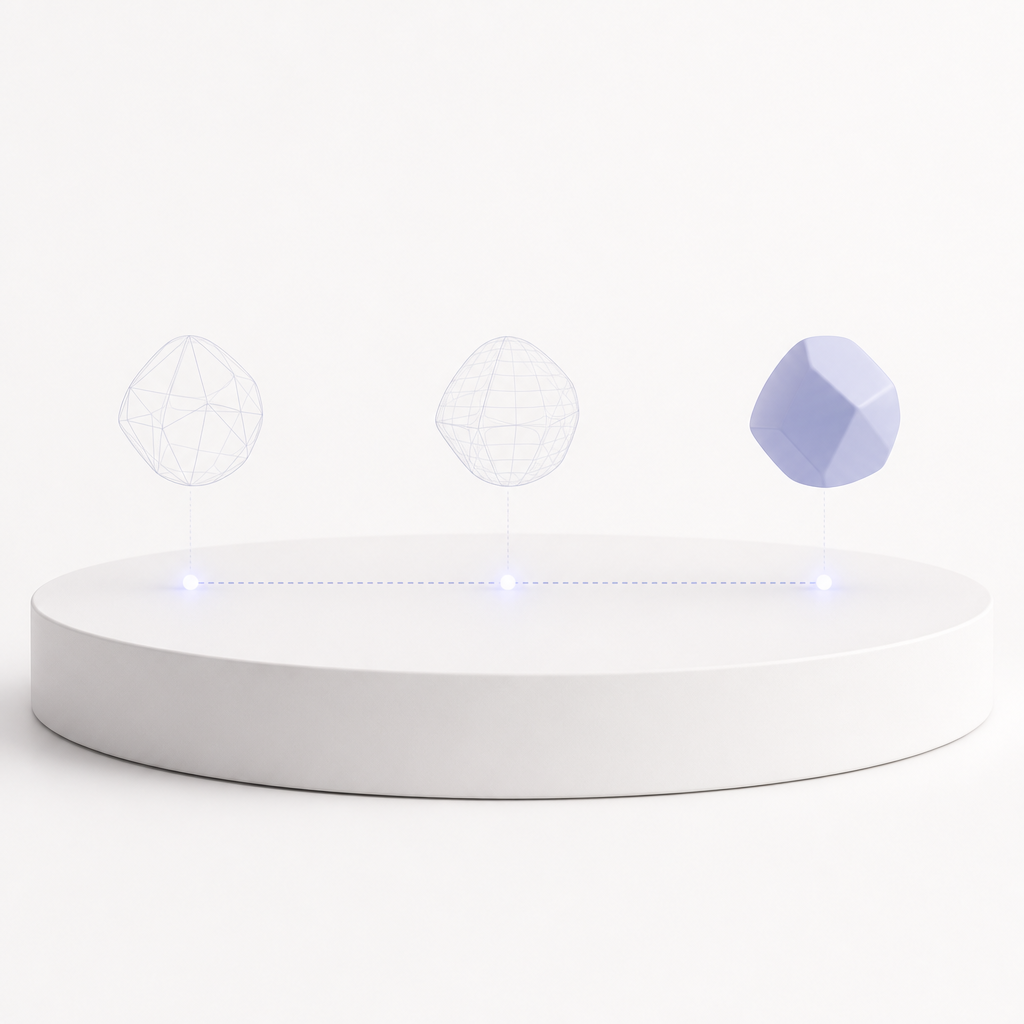
3DMaker's text to 3D model generator doesn't replace a modeler's judgment — it replaces the blank-scene starting point. Use it to get a first-pass mesh in front of a client or a game engine before deciding whether it needs a full manual pass.
3DMaker text to 3D | Modeling from scratch | |
|---|---|---|
| Time to a first usable mesh | 10–120 seconds | Hours to days |
| 3D software required to start | ||
| Texturing | Automatic PBR materials | Manual UV + texture pass |
| Starting point | A written prompt | A blank scene |
| Best for | Concepting & quick iteration | Hand-tuned hero assets |
| Output | Textured GLB + preview image | Varies by software |
Who's Generating 3D Models From Text
A text to 3D model generator earns its place in a pipeline when it saves someone real setup time — here's where that shows up. The same tool, four different reasons to reach for it.
Game & VFX artists
Block out props, creatures, and set dressing from a prompt before committing to a full hand-modeled asset — useful for greyboxing a level or pitching a design fast.
Product & industrial designers
Turn a written spec into a rough 3D form to review proportions before a CAD pass, especially early on when exact dimensions aren't locked yet.
3D printing hobbyists
Describe a part or figure and get a mesh to inspect and refine, no CAD software required — handy for one-off replacement parts or custom figures.
Educators & hobbyists
Explain a concept or bring a story character to life in 3D without touching a modeling tool, whether it's for a classroom demo or a weekend project.