AI Image to 3D Model Generator
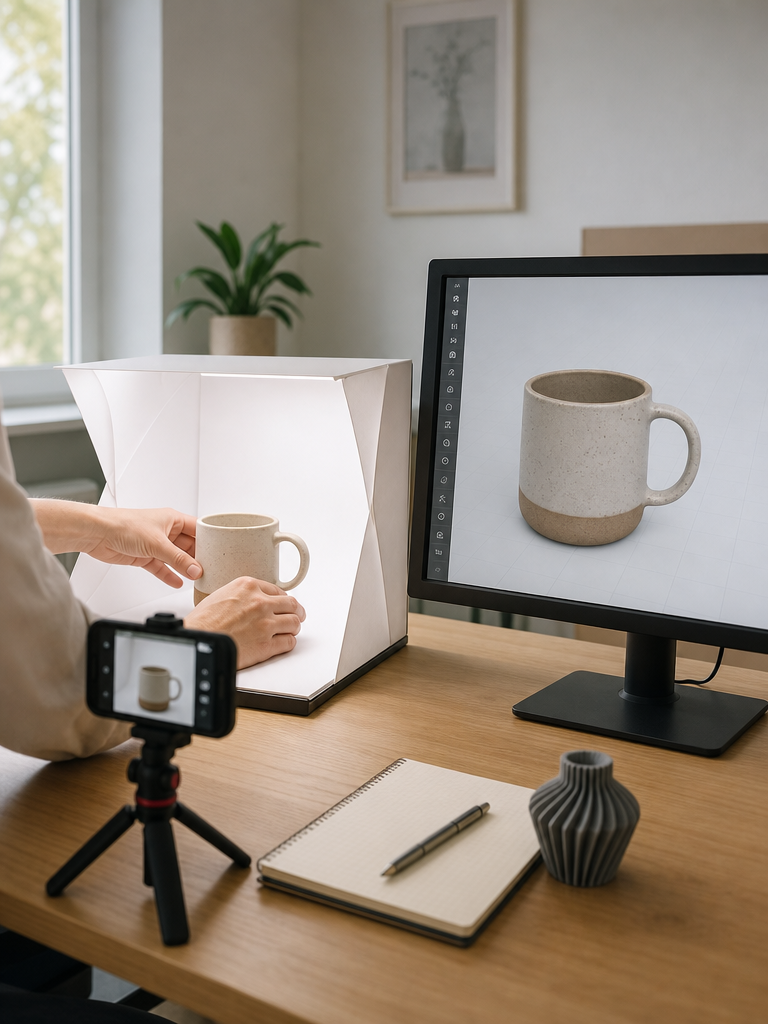
Upload a PNG, JPG, or WEBP photo and 3DMaker's image to 3D model generator reconstructs it into a textured, game-ready mesh in 10 to 120 seconds — no camera rig, turntable, or 3D scanning experience needed.
From One Photo to a Textured 3D Model
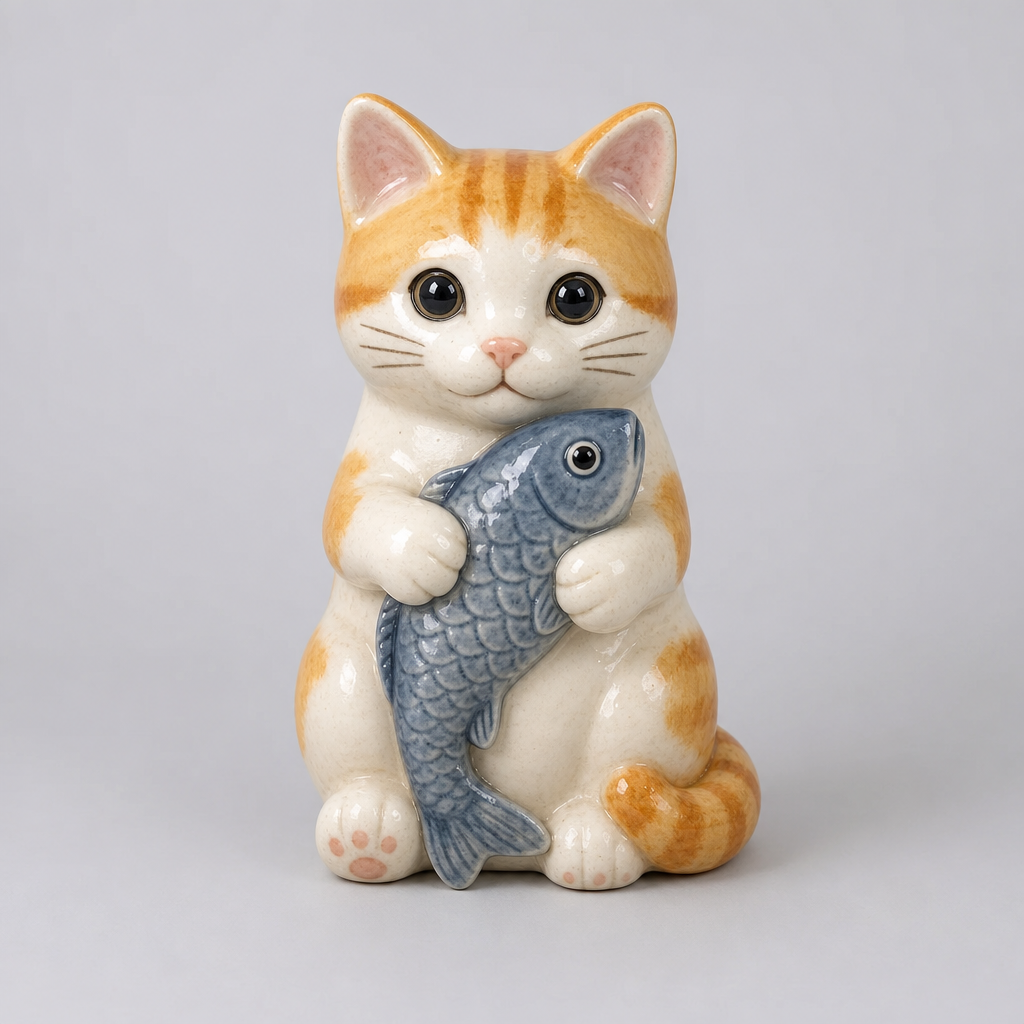
Upload a photo and 3DMaker's image to 3D model generator reconstructs the geometry and materials from that single reference — no camera rig or 3D scanning experience required. The result is a textured, game-ready mesh you can preview and download as GLB in the same session.
Choose How Much Detail Your Mesh Needs
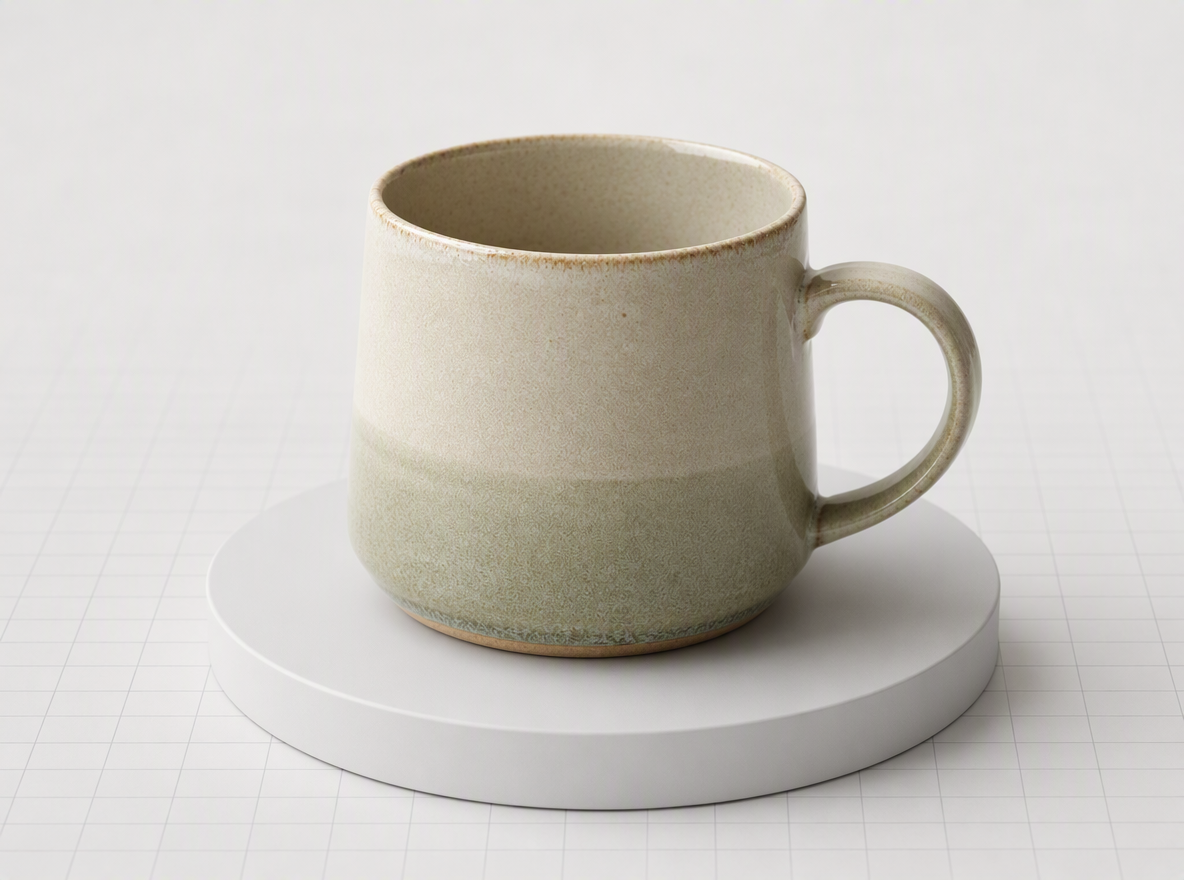
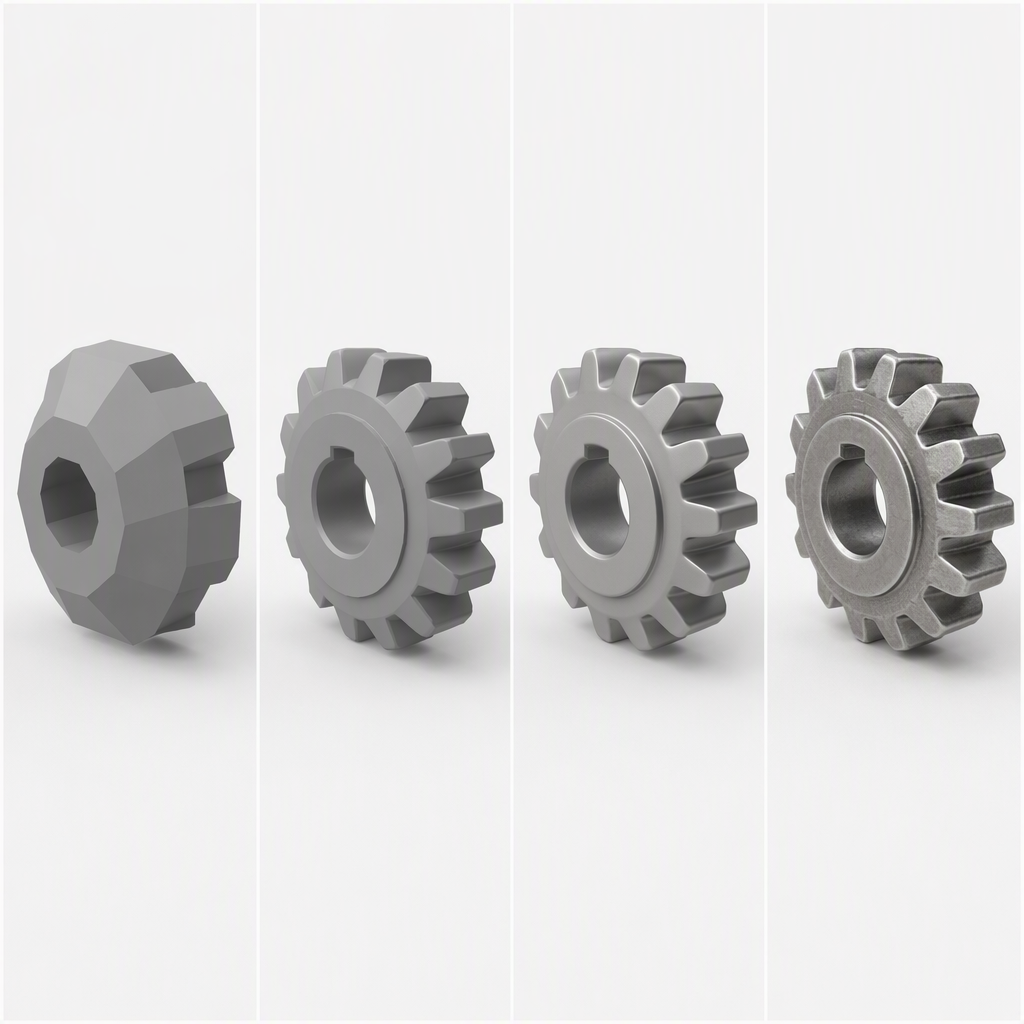
3DMaker's image to 3D generator offers four mesh density levels — Fast, Standard, Pro, and Ultra — so a quick preview and a production-ready asset don't cost the same generation. Switch density any time without re-uploading your photo.
Textures Come From Your Source Photo
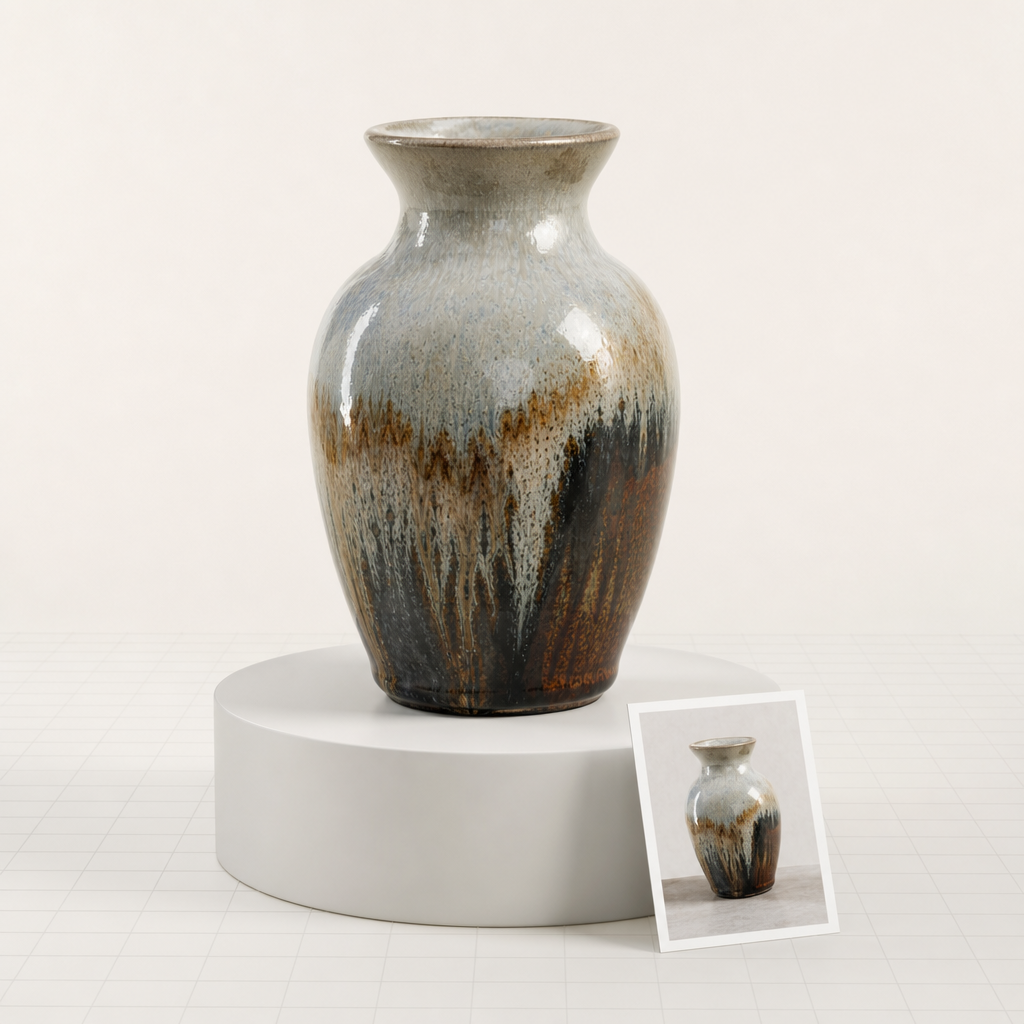
There's no separate texturing pass — 3DMaker's AI image to 3D model generator carries color and material detail over from the photo you upload.
What Makes a Good Source Photo
3DMaker accepts PNG, JPG, or WEBP photos — the sharper and better-lit the reference, the more detail carries into the reconstructed mesh. A plain background makes the biggest difference.
How to Turn a Photo Into a 3D Model
The same three steps apply whether you're previewing an idea or reconstructing a production-ready mesh.
Upload your photo
PNG, JPG, or WEBP — a clear, well-lit shot of the object works best.
Pick a mesh density
Fast, Standard, Pro, or Ultra, depending on how much detail the model needs.
Download your GLB
Drop the finished mesh into Blender, Unity, Unreal Engine, Three.js, Babylon.js, or any model-viewer.
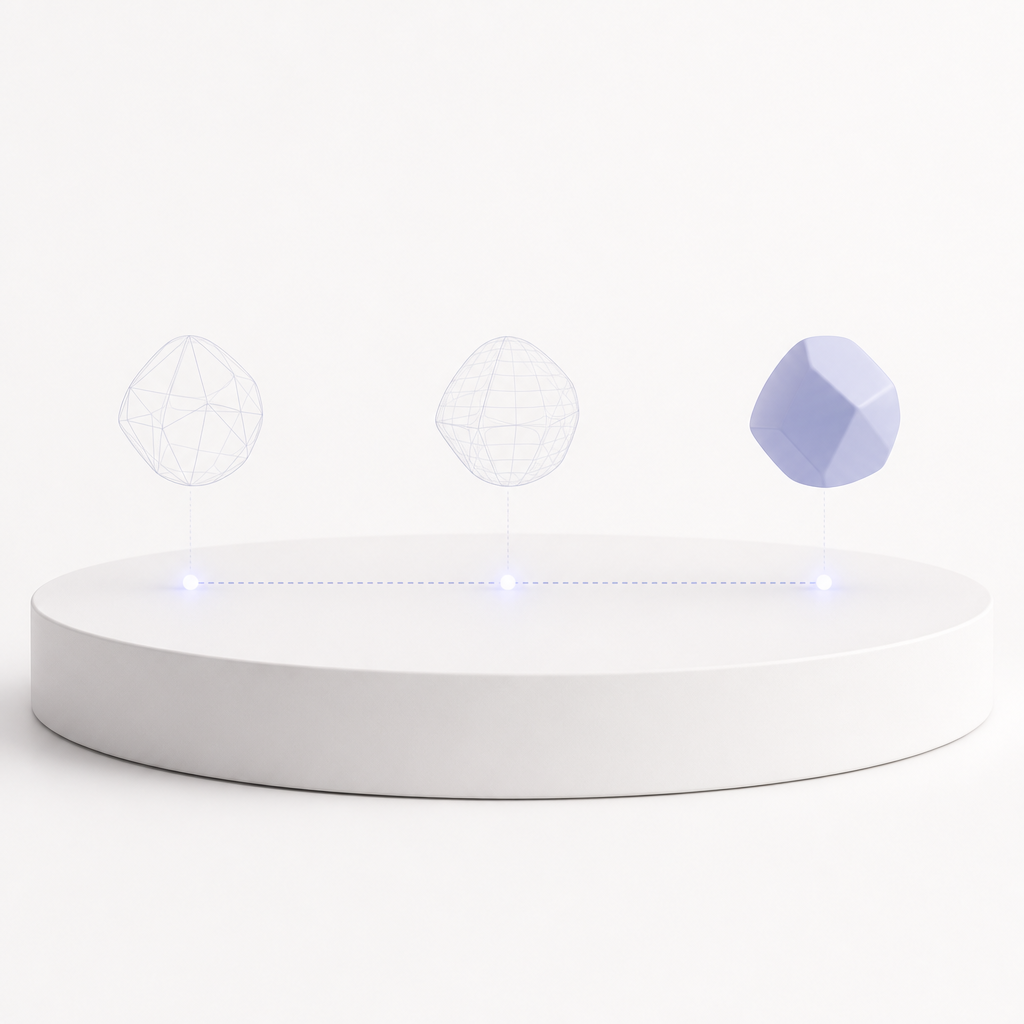
Image to 3D vs. Modeling From Scratch
3DMaker's image to 3D model generator doesn't replace a modeler's judgment — it replaces the blank-scene starting point. Use it to get a first-pass mesh in front of a client or a game engine before deciding whether it needs a full manual pass.
3DMaker image to 3D | Modeling from scratch | |
|---|---|---|
| Time to a first usable mesh | 10–120 seconds | Hours to days |
| 3D software required to start | ||
| Texturing | PBR materials from your photo | Manual UV + texture pass |
| Starting point | A single reference photo | A blank scene |
| Best for | Concepting & quick iteration | Hand-tuned hero assets |
| Output | Textured GLB + preview image | Varies by software |
Who's Turning Photos Into 3D Models
An image to 3D model generator earns its place in a pipeline when it saves someone real setup time — here's where that shows up. The same tool, four different reasons to reach for it.
Ecommerce & product teams
Turn a product photo into a 3D asset for AR previews or 360-degree listings, without waiting on a 3D artist's schedule.
Game & concept artists
Convert reference art or a photographed maquette into a starting mesh instead of blocking out geometry by hand.
Makers & 3D printing hobbyists
Photograph a part or figure and get a mesh to inspect and refine before printing, handy for one-off replacement parts.
Anyone with a photo and an idea
See what "make this into a 3D model" actually looks like — no 3D software required, just a phone photo.